post by johnny on Dec 2, 2023

Exciting news :hugs::hugs::hugs: ! Grocery CRUD is now on a private composer repository for its Enterprise version, hosted on a private server. This simplifies updates and installations for those who uses composer.

In short to update, use:

composer update --prefer-dist

For a fresh installation, run:

composer install --prefer-dist

Embrace this streamlined process for a more efficient workflow and less installation/upgrade steps. For details, dive into the full blog post. Your feedback is valued as we enhance Grocery CRUD :rocket::hammer_and_wrench:.

:link: Read the full blog post here

Regards
Johnny

Pinned on Dec 2, 2023

Made this a banner on Dec 2, 2023. It will appear at the top of every page until it is dismissed by the user.

Removed this banner on Dec 2, 2023. It will no longer appear at the top of every page.

post by heruprambadi on Dec 3, 2023

post by johnny on Dec 3, 2023

post by heruprambadi on Dec 4, 2023

post by Phil on Dec 5, 2023

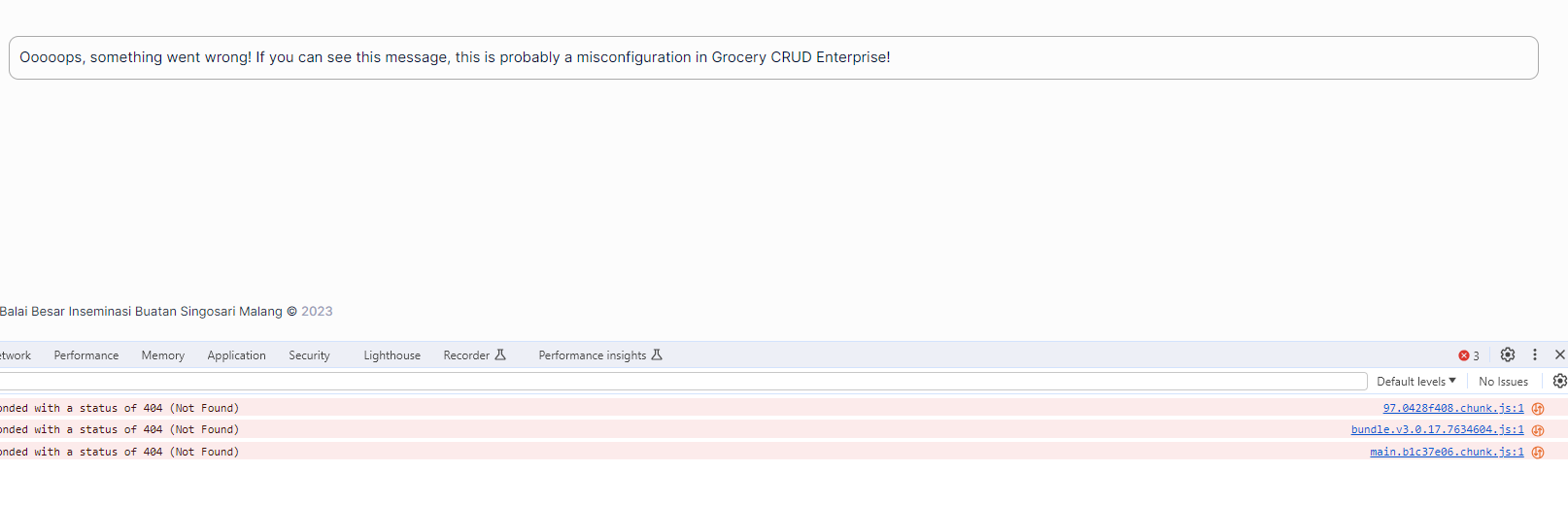
after updating from 3.0.13 to this new composer version I’ve got this error
Screenshot 2023-12-05 alle 14.11.18

my config file is the same as before.
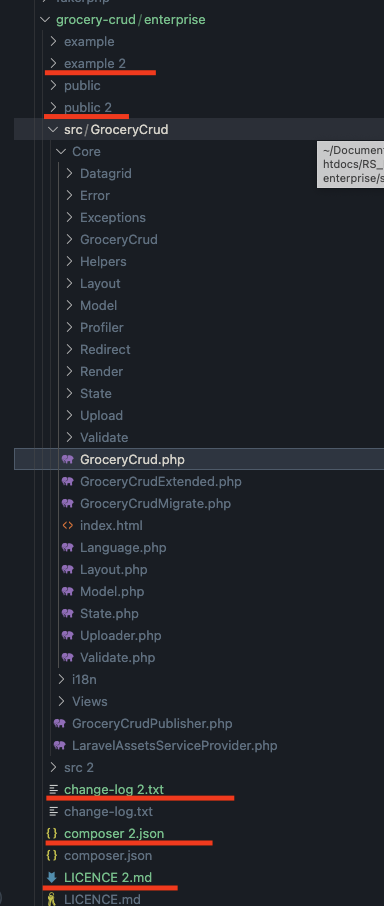
also, one odd thing is that now I have these “#2” folders and files. “#2” folders are empty.

I’m using code igniter 4
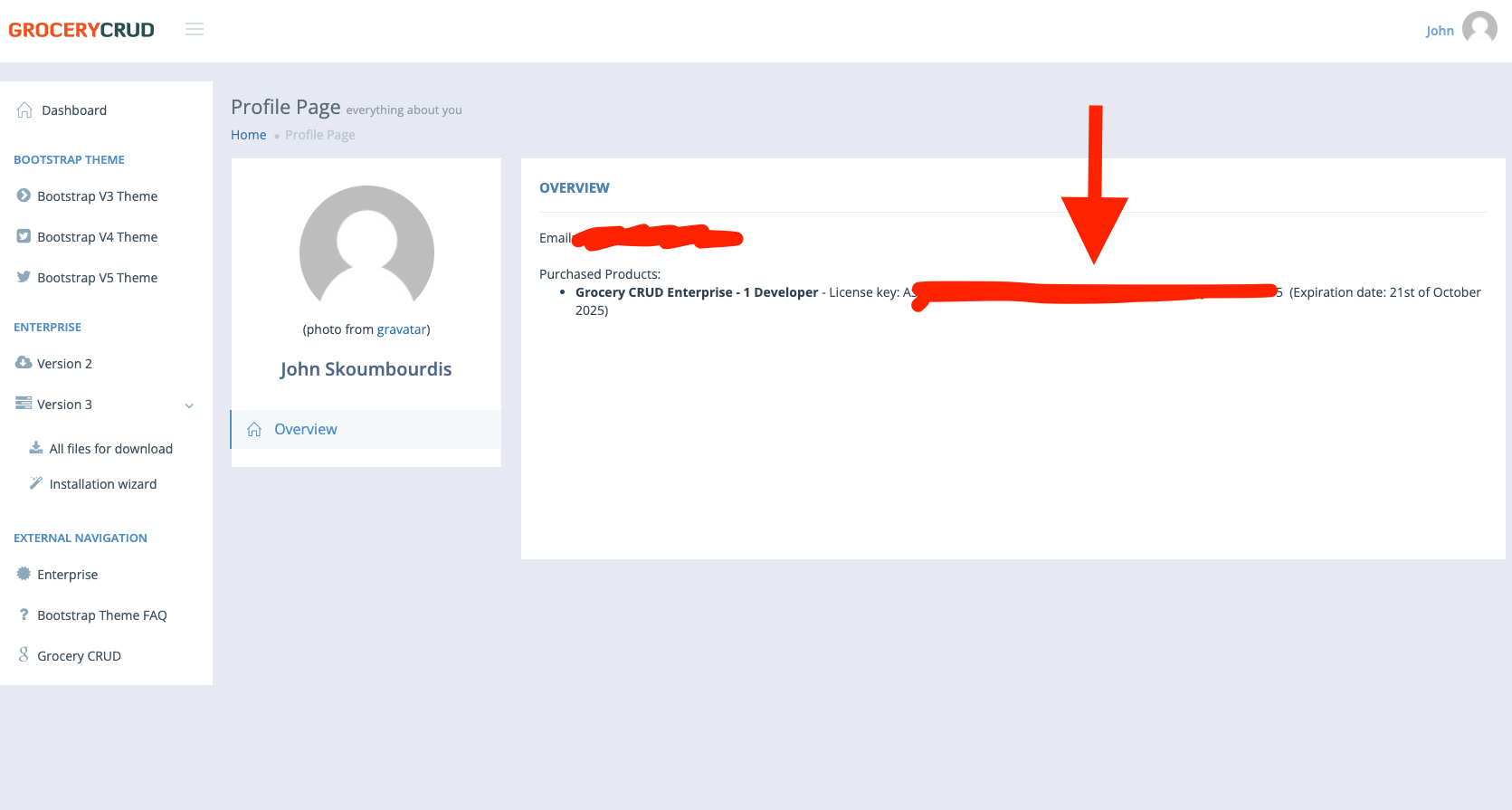
updated following the instructions here

post by johnny on Dec 5, 2023

That’s very weird Phil,

If I had to blindly guess would be a weird caching issue. Can you remove the composer.lock file and if possible the vendor folder as well and try to install again with the below command?

composer install --prefer-dist

And then don’t forget to add the command

php spark publish

If that doesn’t work then make sure that you have the file GroceryCrudPublisher.php at app/Publishers folder. You can see the file of publisher here: GroceryCrudPublisher.php · GitHub

and then run the command:

php spark publish

again.

Let me know if that worked for you.

Regards
Johnny

post by Phil on Dec 6, 2023

19 days later

post by nasrul on Dec 26, 2023

hello @jonny

I am experiencing a similar issue. Initially, when I tried to update using composer update --prefer-dist, I encountered an error like this:

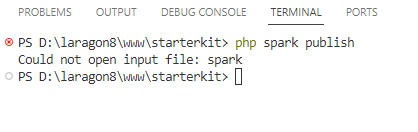
After attempting to delete composer.lock and the vendor folder, I then entered the command composer install --prefer-dist, and all Composer packages were successfully installed. However, when I entered the command php spark publish, I encountered the following error

Regards
Nasrul

post by nasrul on Dec 26, 2023

sorry spark is for codeigniter right

i use laravel so my command does not working
i use ```
php artisan vendor:publish --provider=“GroceryCrud\LaravelAssetsServiceProvider”
to publish asset and now is working properly

thanks @jonny

Regards
Nasrul

post by johnny on Dec 26, 2023

Hello @nasrul ,

Nice to hear that worked for you :slight_smile: . Please keep in mind (mainly for other that will see the post) that I also have instructions on the wizard for the update so I hope this also helps :slight_smile:

Regards
Johnny

5 months later

post by heruprambadi on May 31, 2024

Hello @johnny , i try to update my old code with composer, and i got this :

could not be fully loaded (Invalid credentials (HTTP 401) for 'https://composer.grocerycrud.com/packages.json', aborting.), package information was loaded from the local cache and may be out of date

Why it not ask for my username & pass ?

post by johnny on May 31, 2024

post by heruprambadi on Jun 1, 2024

The problem is : my password is changing because i’'m getting a new license. If you’re having the same problem, change password manually in C:\Users<username>\AppData\Roaming\Composer\auth.json (Windows) with a new one, and your problem will be solved.

1 / 16
Dec 2023